What zwoTrainer does.
The ride screen, plans, workout library, FTP tests, virtual shifting, riders and uploads in detail.
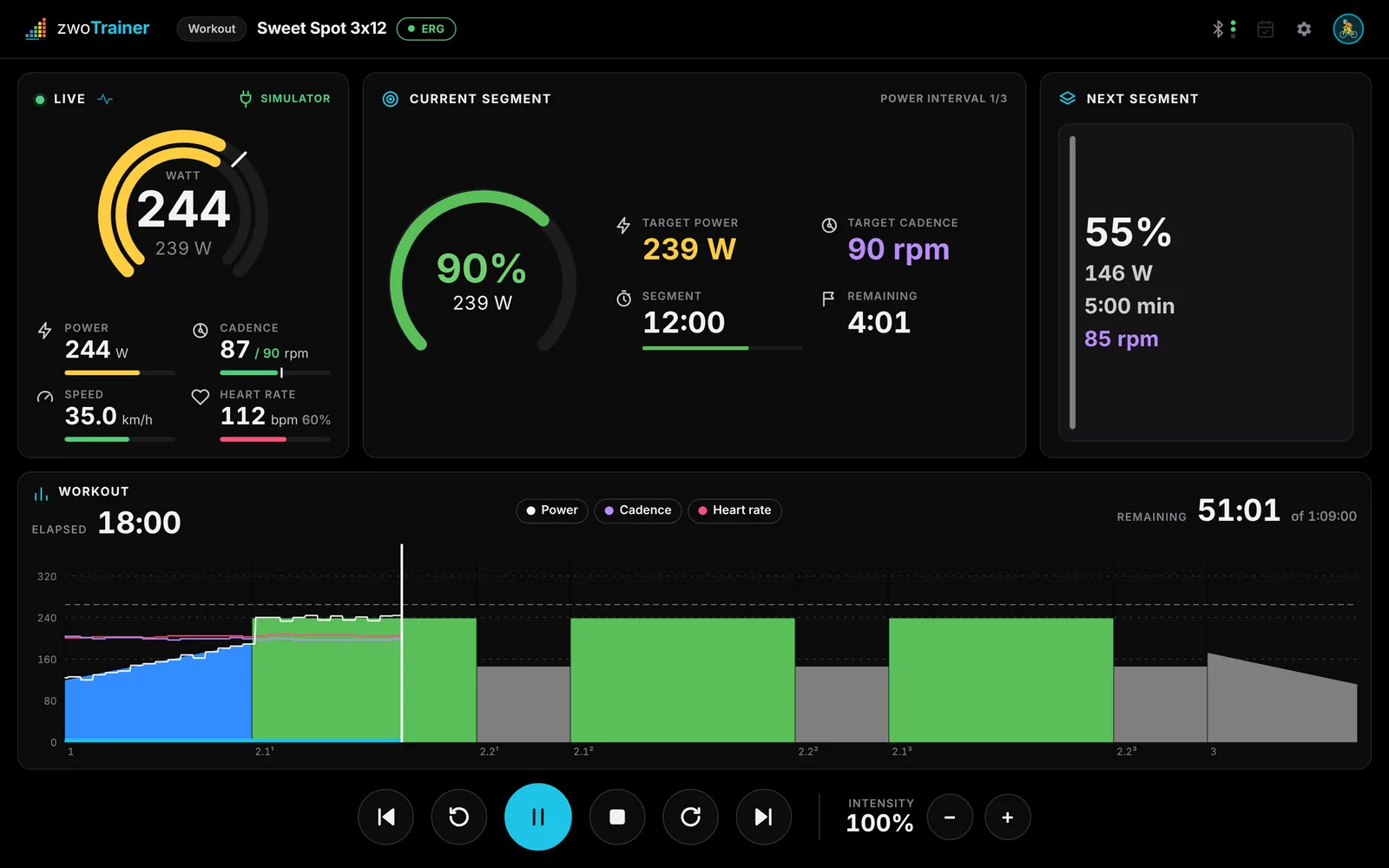
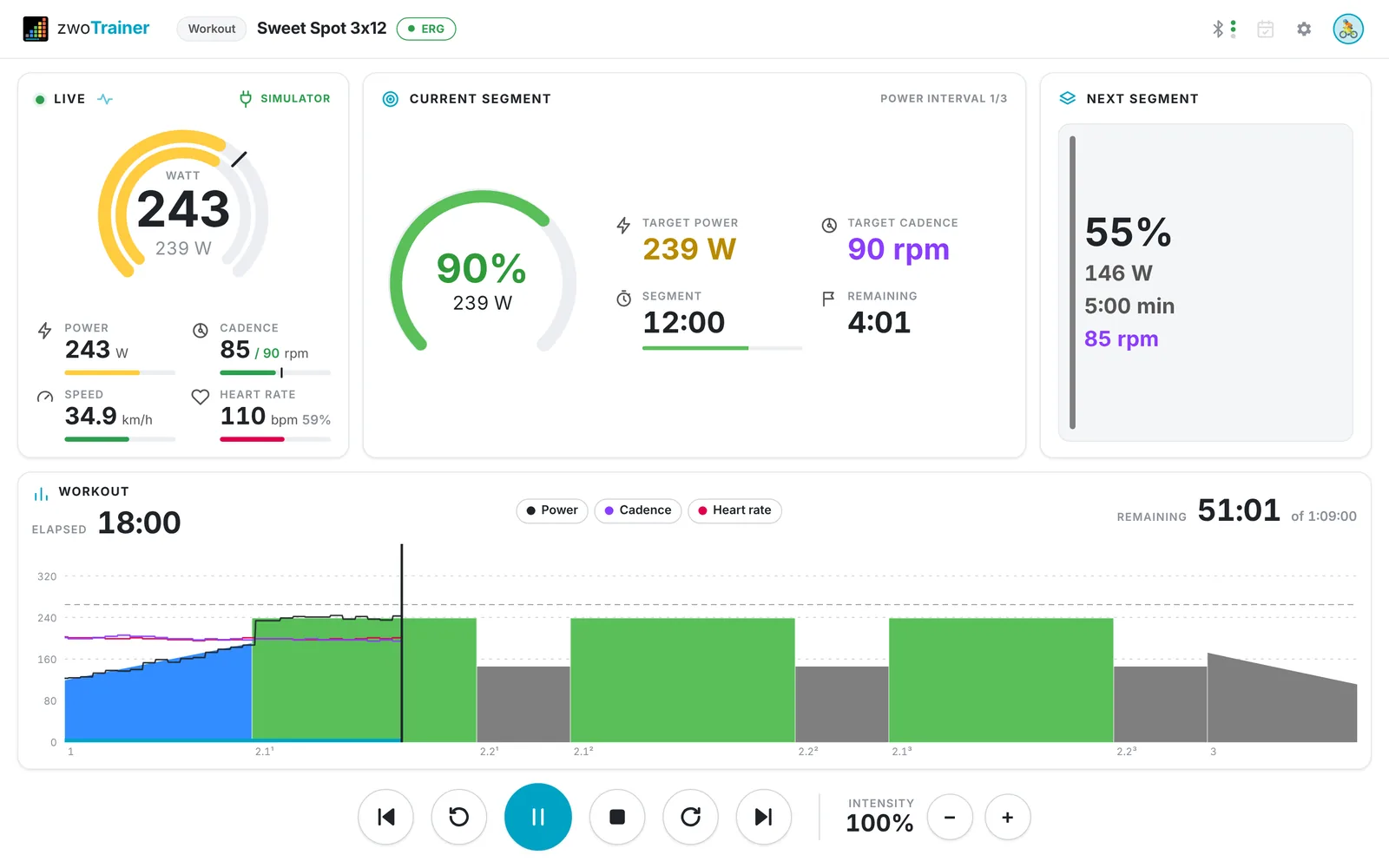
ERG, second by second.
ERG updates the target every second, ramps included. In free-ride and all-out segments ERG turns off and you ride on your gears.
| Space | start / pause |
| ← → | previous / next segment |
| ↑ ↓ | intensity ±1 % (with Shift ±10 %) |
| + − | shift virtual gear |
| Esc | end the workout |
Start
The workout starts after about two seconds of pedalling, or when you press Space.
Cadence targets
If a segment has a cadence target, it appears next to your cadence. The bar is green on target, amber 5–10 rpm off and red beyond that.
Auto-pause
After three seconds without power or cadence the workout pauses, and it resumes when you pedal again. You can turn this off.
Countdown beeps
Three beeps in the last three seconds before each change of target.
A folder is a plan.
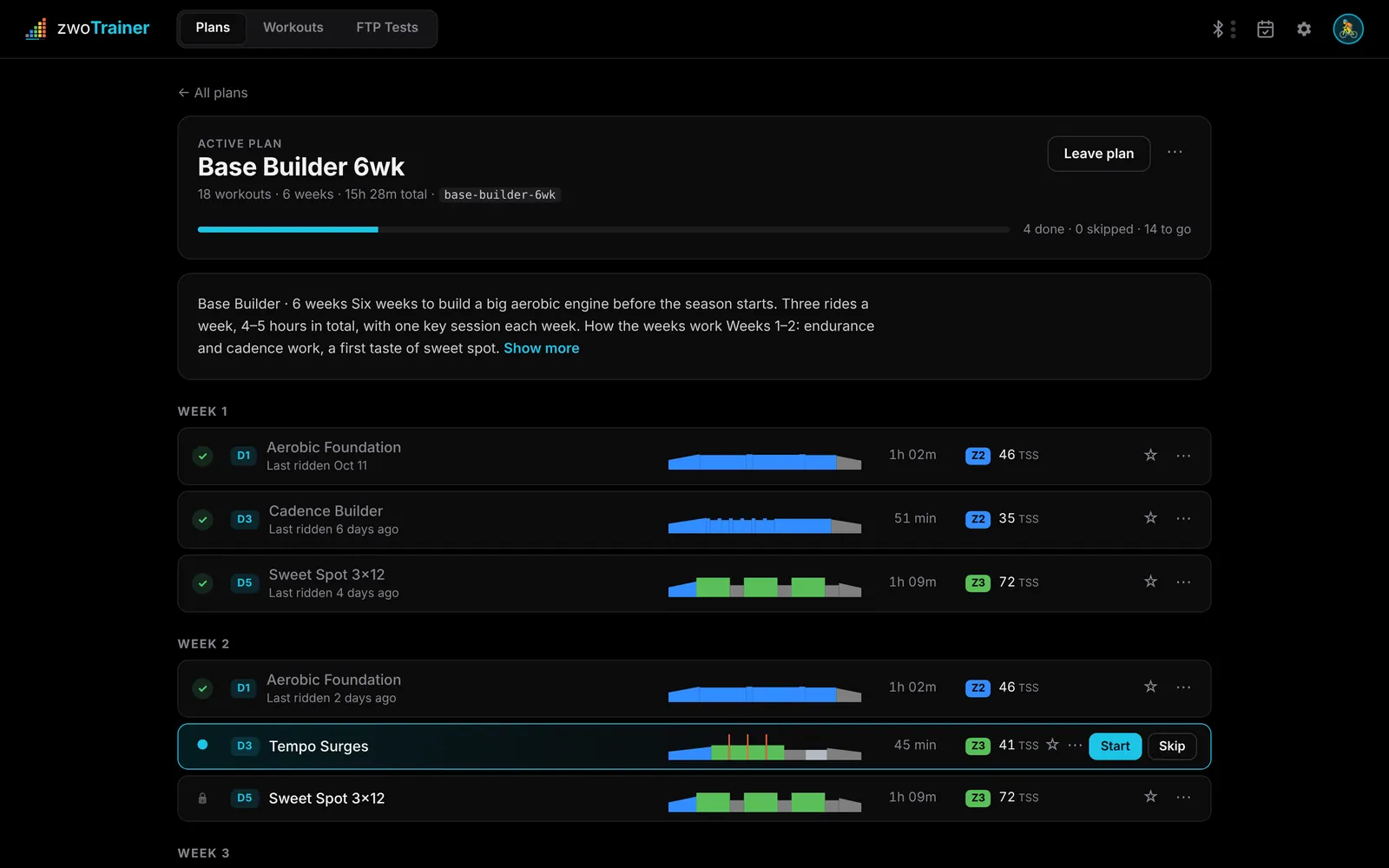
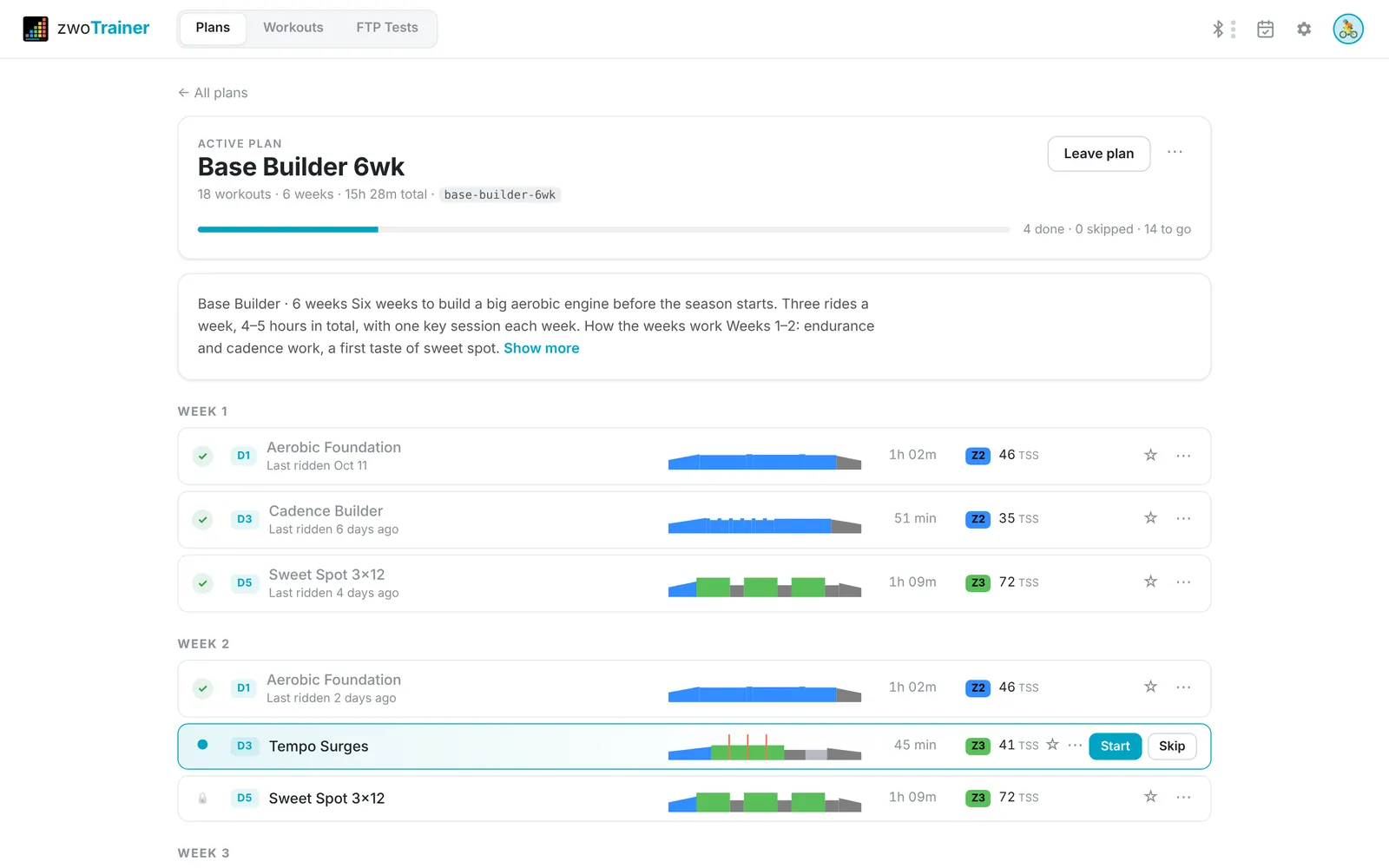
Sort .zwo files by week and day, and zwoTrainer turns the folder into a plan with progress tracking, a description and the next session ready on the home screen.
In order
Only the next workout can be started. Later ones stay locked.
Skip and undo
Skip marks the next workout as skipped and moves on. Undo skip brings it back.
Description
A Markdown file in the folder appears on the plan page, with headings, lists, links and tables.
Several plans
Switching plans keeps the progress of the old one, so you can return to it.
Find a workout quickly.
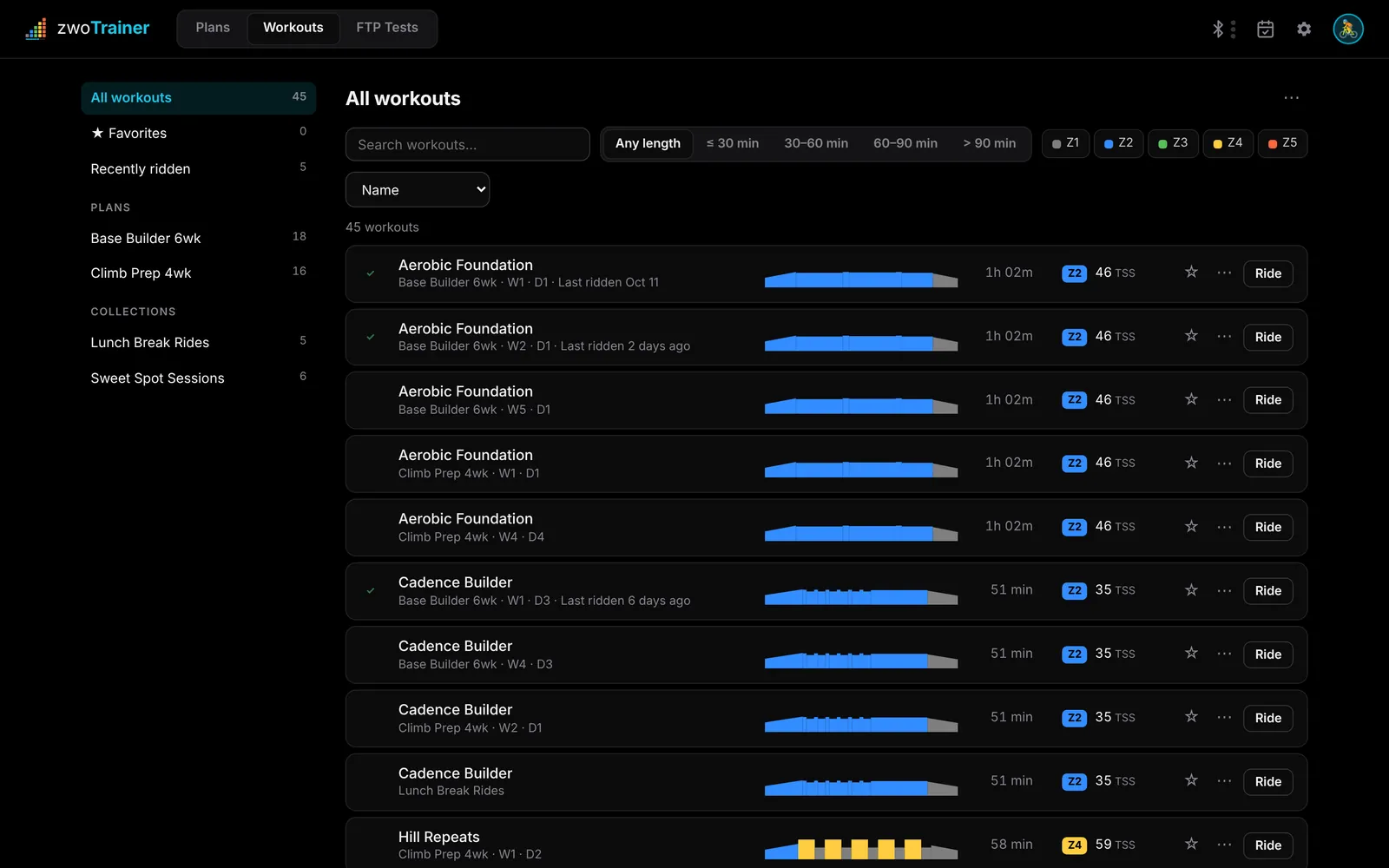
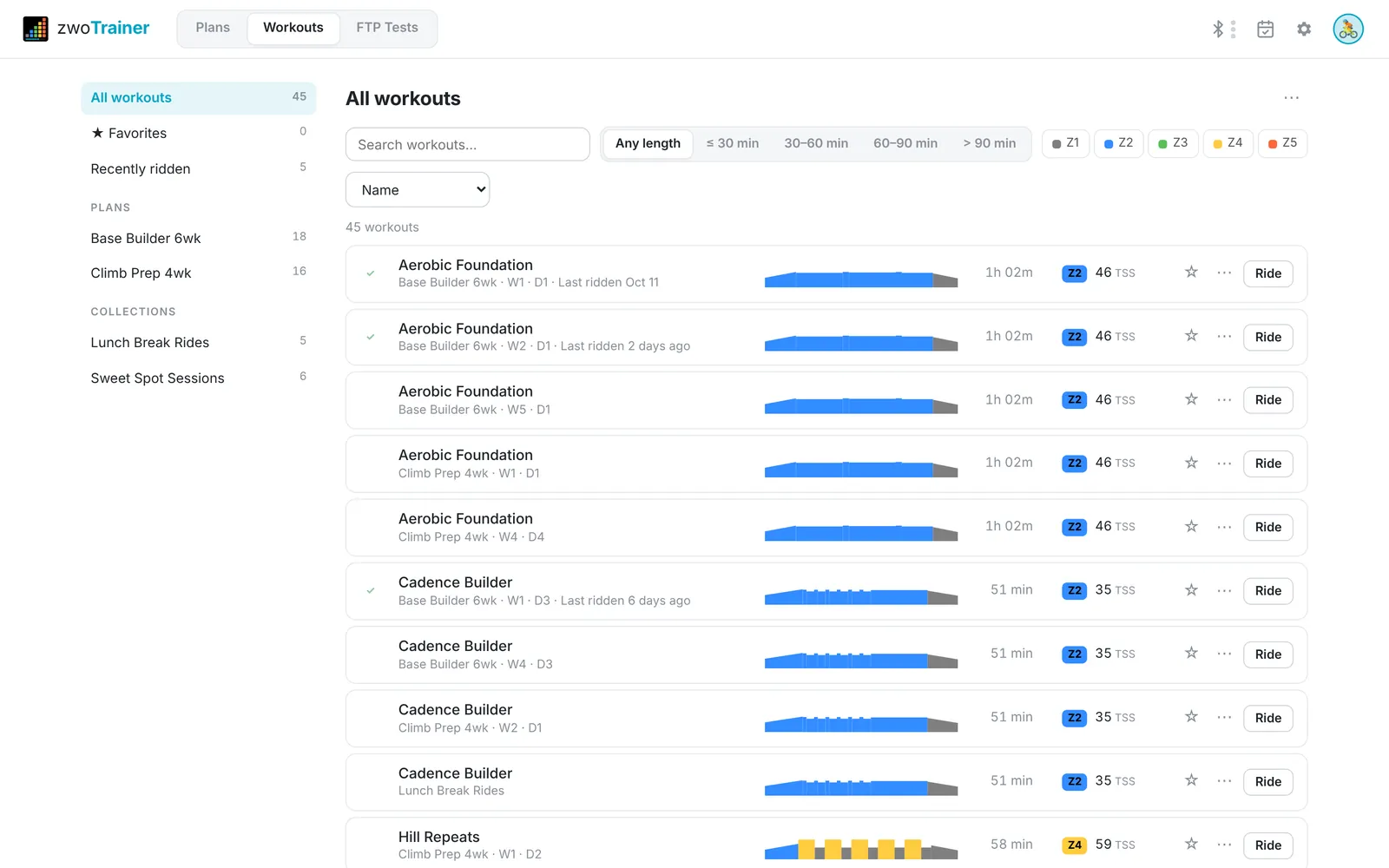
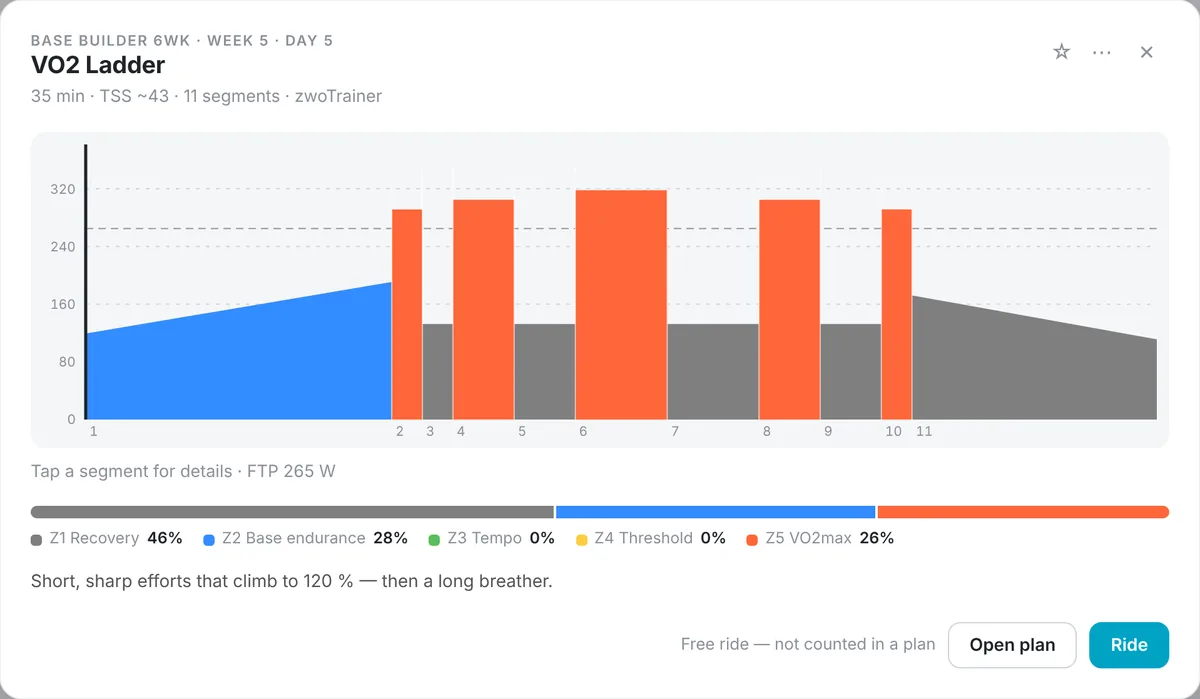
All workouts in one list. Each row shows the profile, duration, dominant zone and estimated TSS.
Filters
Search by title or file name, then filter by length (≤ 30 to > 90 min) and by one or more zones.
Sorting
By name, shortest, longest, hardest (TSS), intensity or recently ridden.
Favorites
Star a workout to add it to Favorites, where you can reorder them.
Details
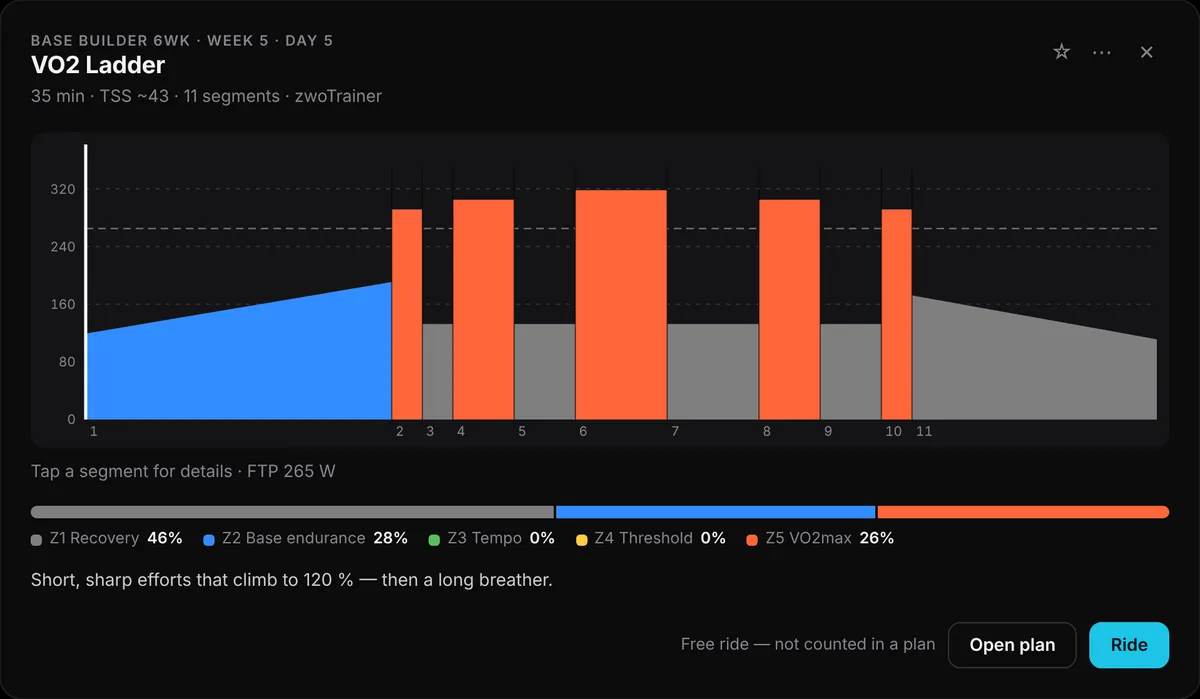
Click a workout to see each segment in watts for your FTP and the time spent in each zone.
Five built-in FTP tests.
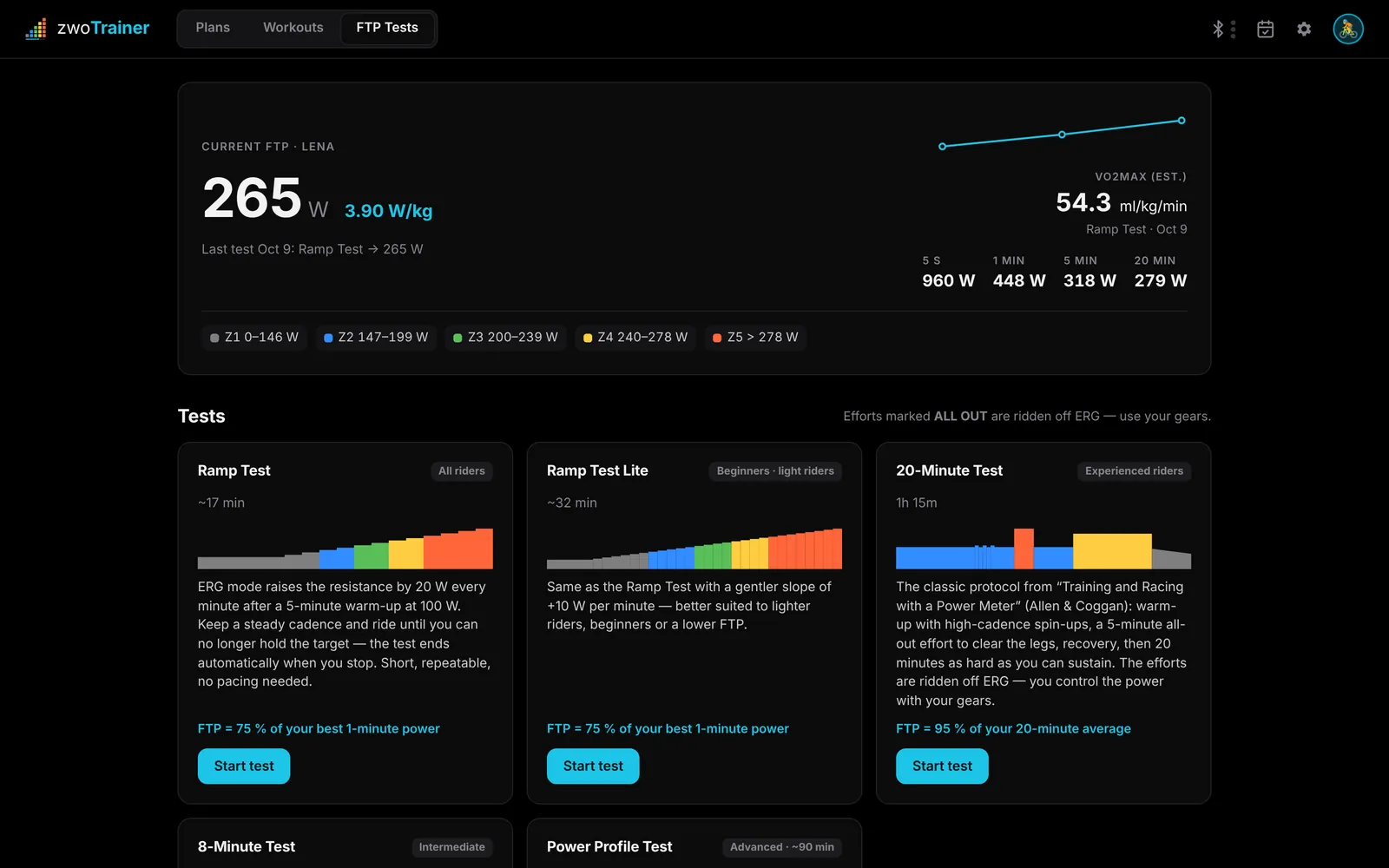
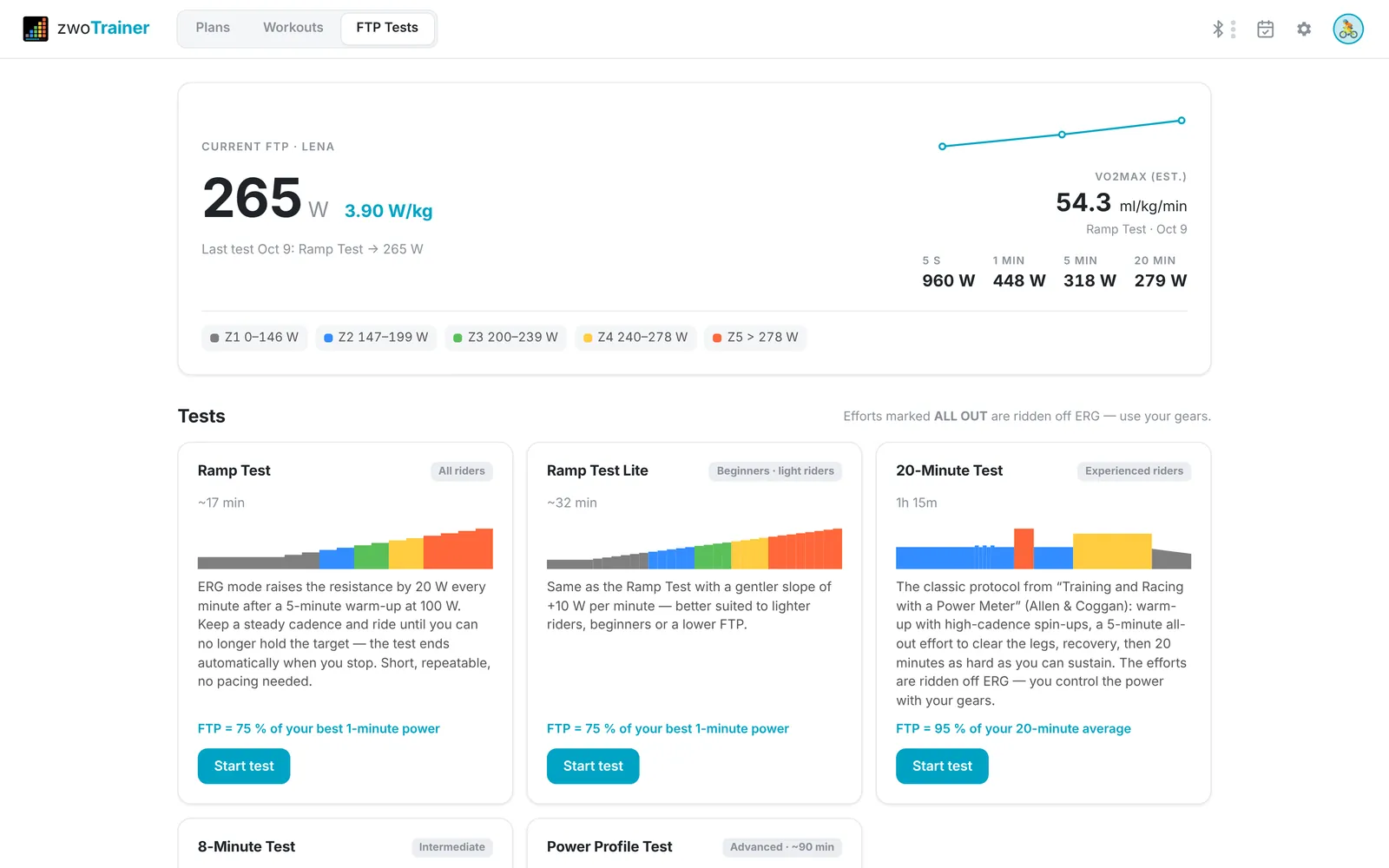
Ramp, Ramp Lite, 20-minute, 8-minute and Power Profile tests are built in. Test workouts in your library are recognised automatically.
Live pacing
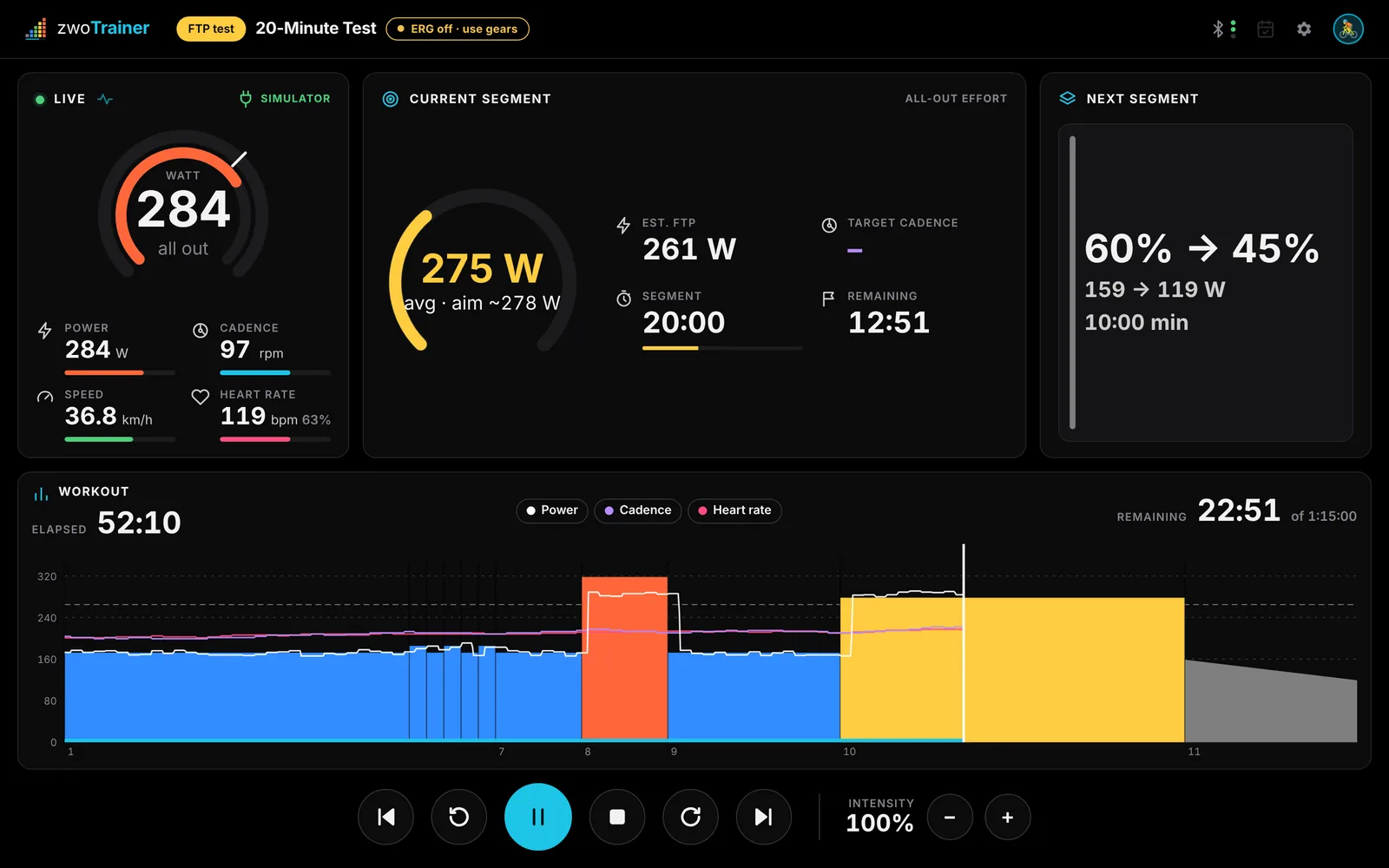
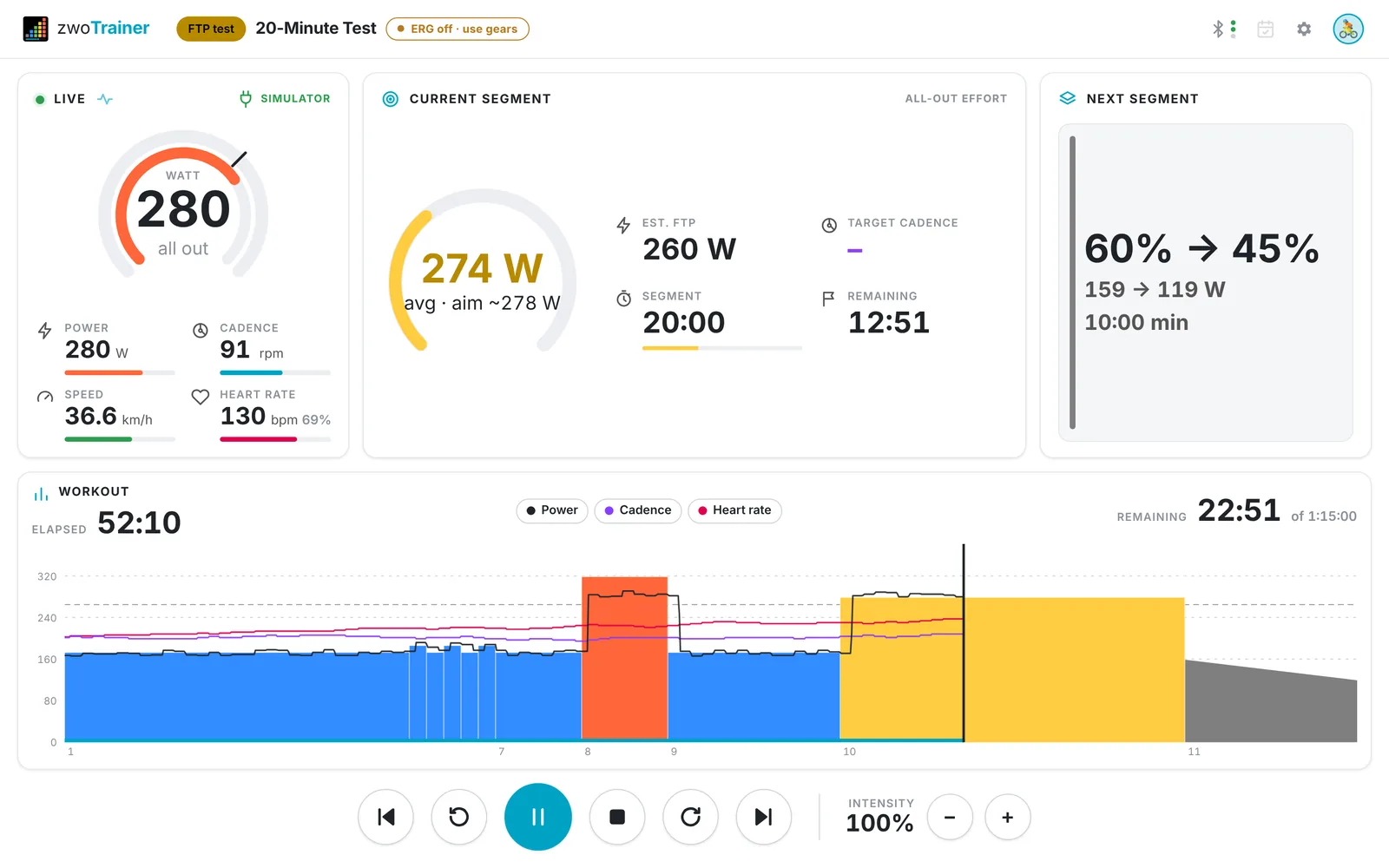
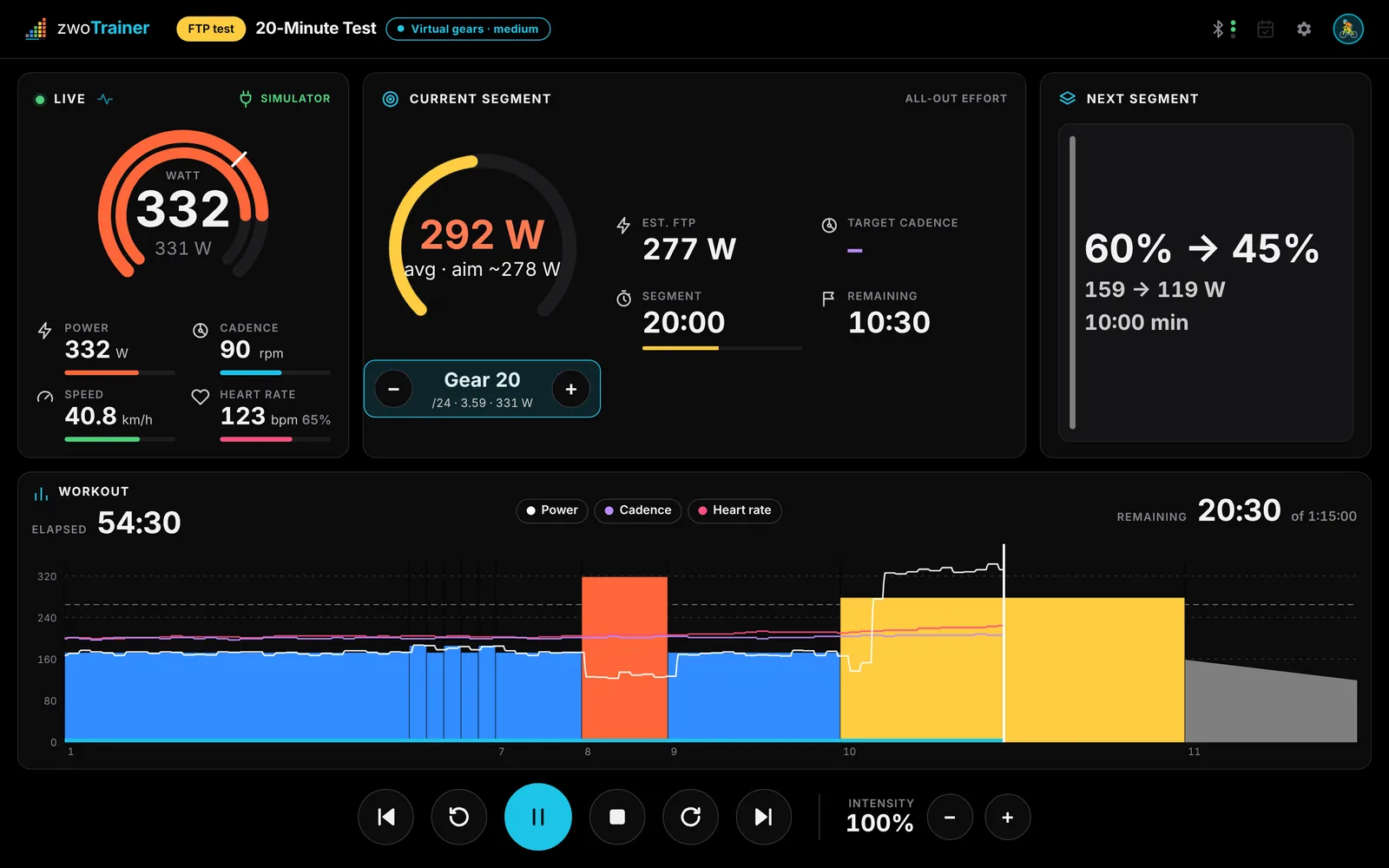
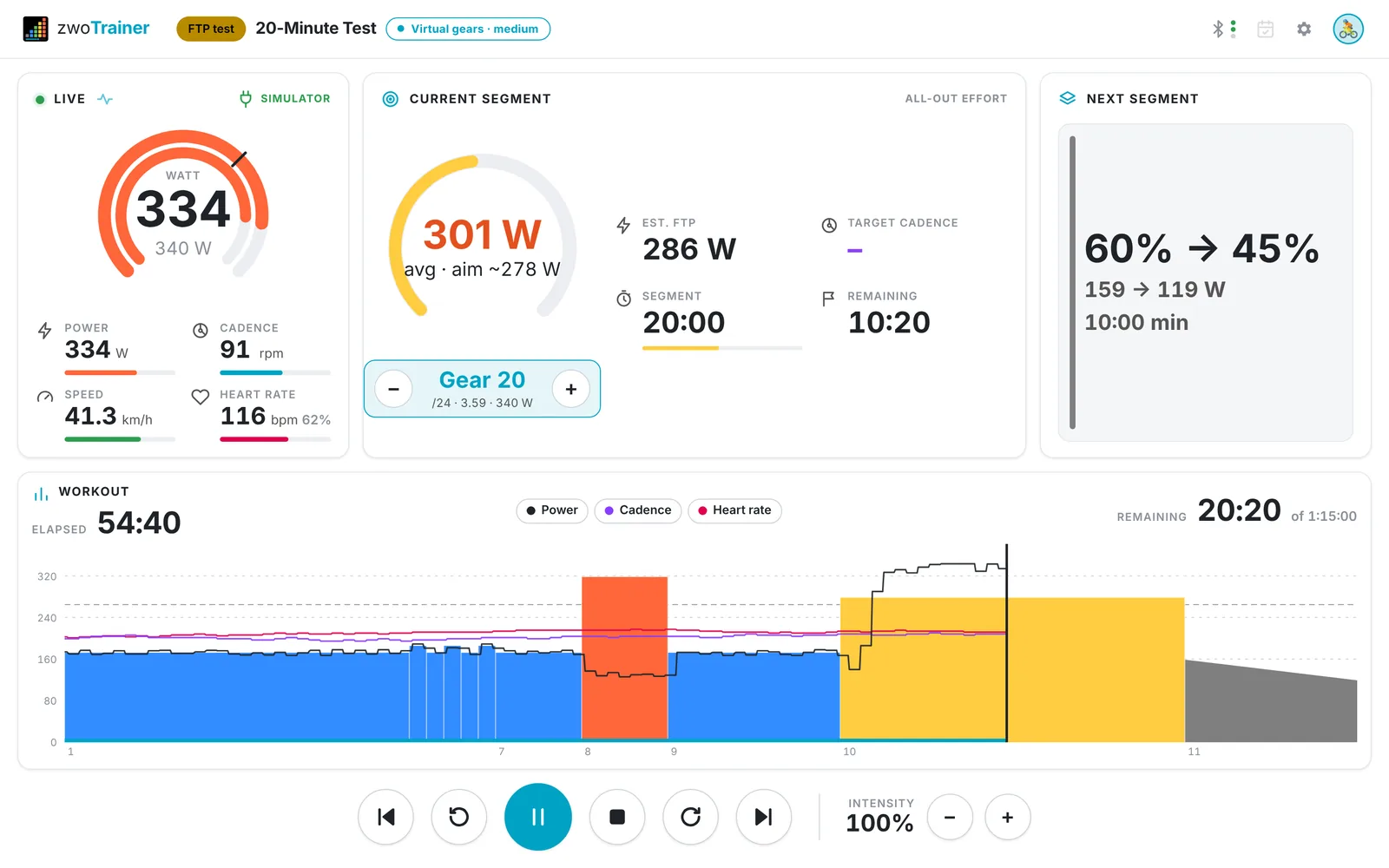
In efforts of five minutes or longer you see your average so far, and in the 8- and 20-minute tests the estimated FTP. More than 10 % above the target, the app tells you to ease off.
Completed efforts only
If you stop an all-out effort early, there is no FTP result. The summary shows how much you rode, and your power bests are still saved.
End of the ramp
When you can no longer hold the ramp target, the test ends and the trainer switches to an easy cool-down.
Plausibility check
If the result differs from your current FTP by more than 15 %, you see a note about calibration, power source and fatigue before you apply it.
Gears in free-ride segments.
zwoTrainer simulates 24 gears. Cadence and gear ratio give a speed, and road physics with your weight turns that speed into the watts the trainer holds. Virtual gears are used in free-ride segments and all-out efforts.
Zwift controllers
Zwift Ride, Click and Play shift gears and change intensity. Ride and Play can also skip segments and start or pause the workout.
Without a controller
Shift with + / − or the buttons on screen.
Choice per ride
If a workout has free-ride segments, the Ready screen lets you choose real gears or virtual gears (easy, medium or hard). The default is set in Settings.
Button test
The shifter dialog shows every button press and the action it triggers.
Several riders, one app.
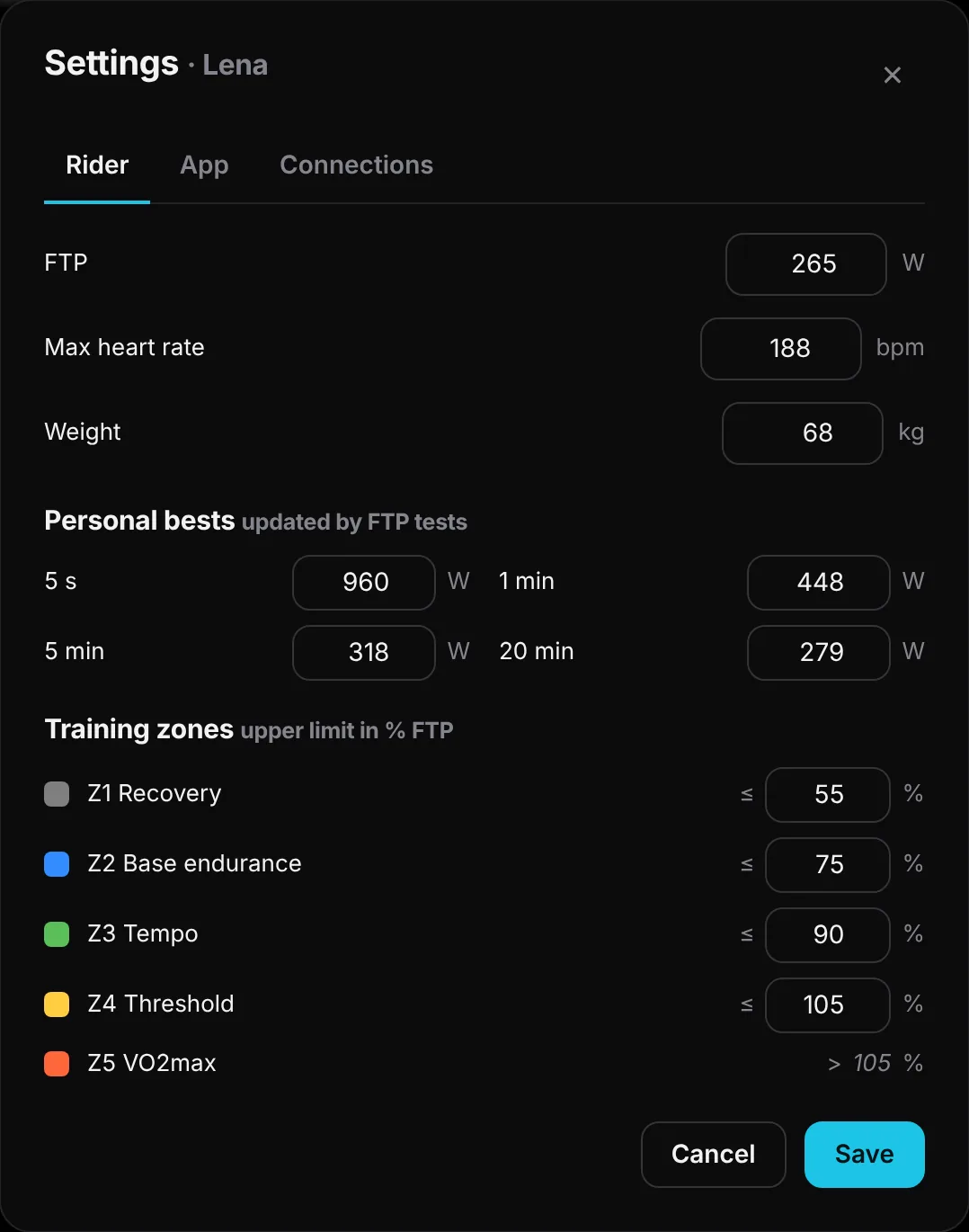
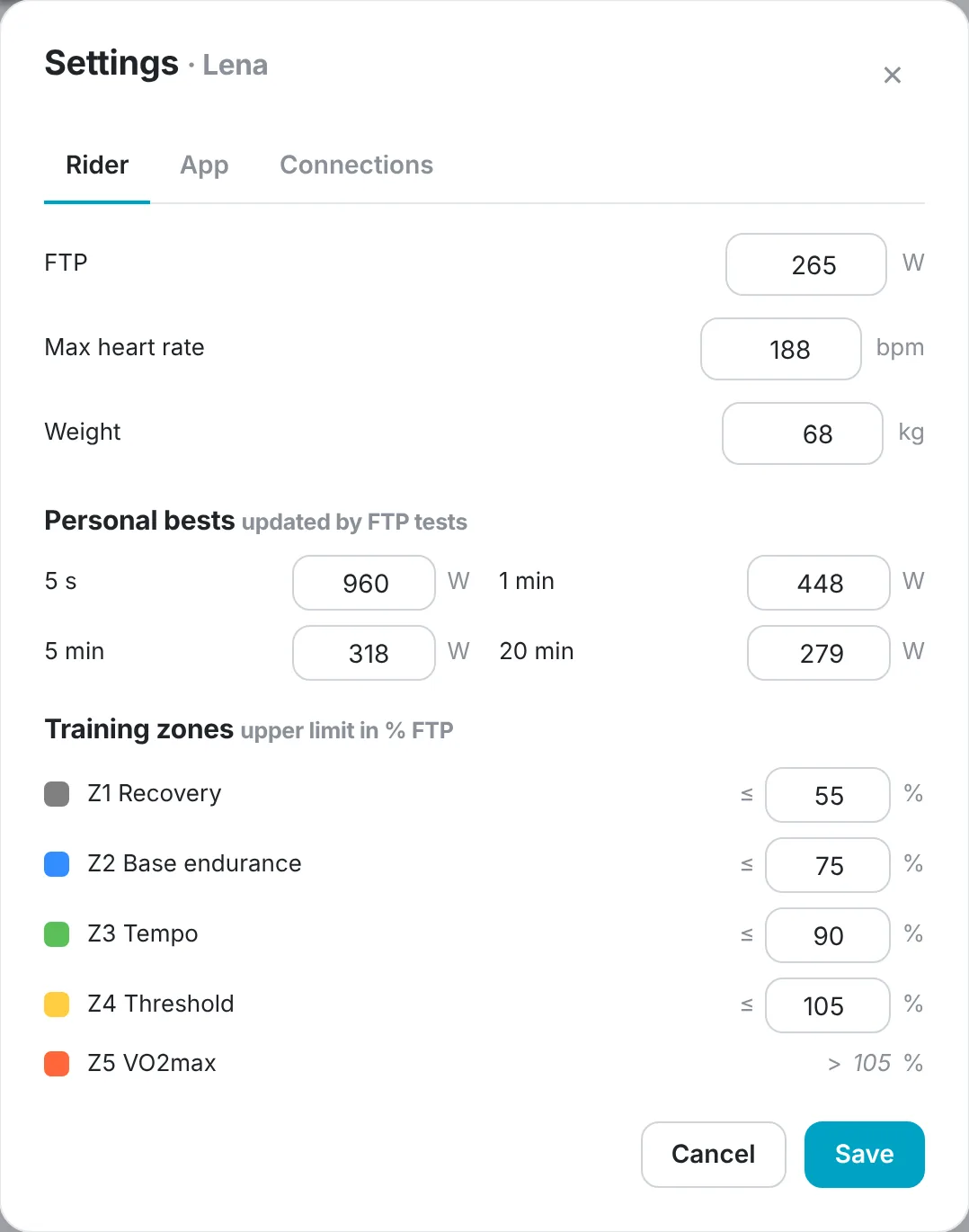
Each rider has their own avatar, FTP, max heart rate, weight, zones, power bests, plan progress, favorites, history, paired devices and language: English, Deutsch or Français.
Zones
Zone limits are set in % of FTP. The watt ranges update when your FTP changes.
Power bests
5 s, 1 min, 5 min and 20 min, updated by FTP tests.
Sync
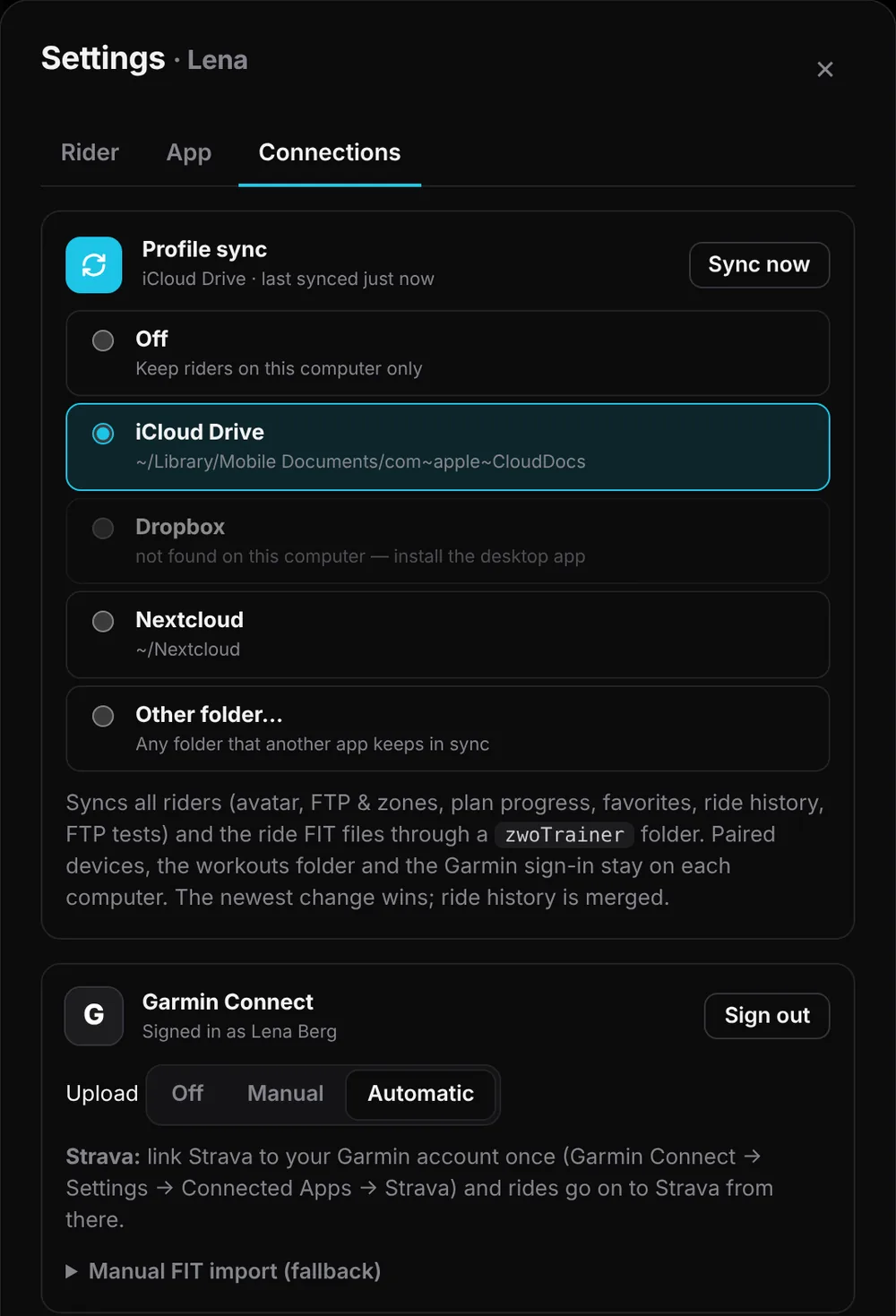
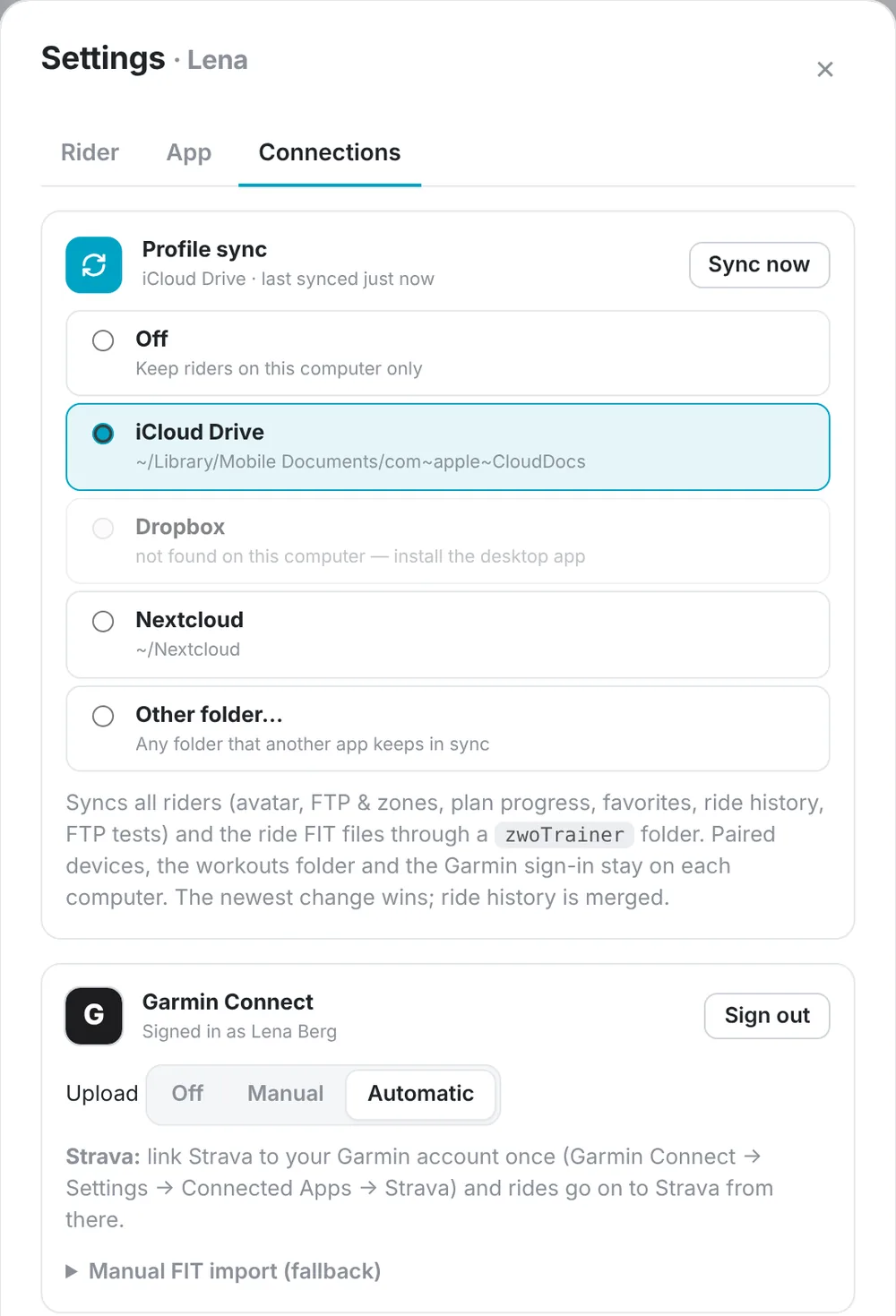
Riders sync between computers through iCloud Drive, Dropbox, Nextcloud or any folder another app keeps in sync.
Local by default
There is no zwoTrainer account or server. Paired devices, the workouts folder and the Garmin sign-in stay on each computer.
Garmin, Strava, Intervals.icu and COROS.
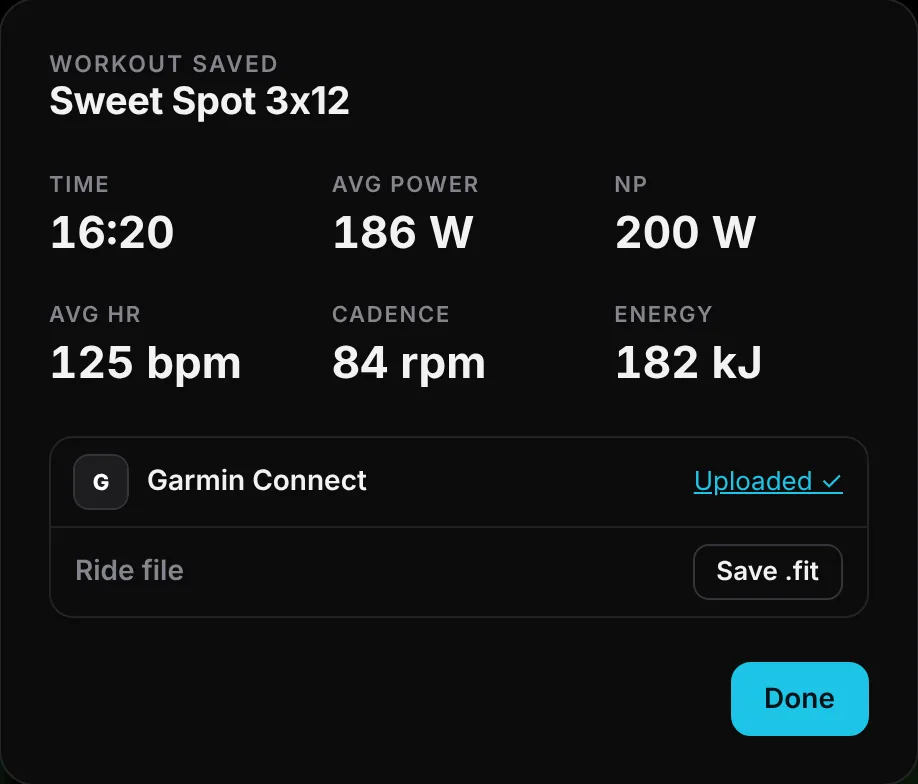
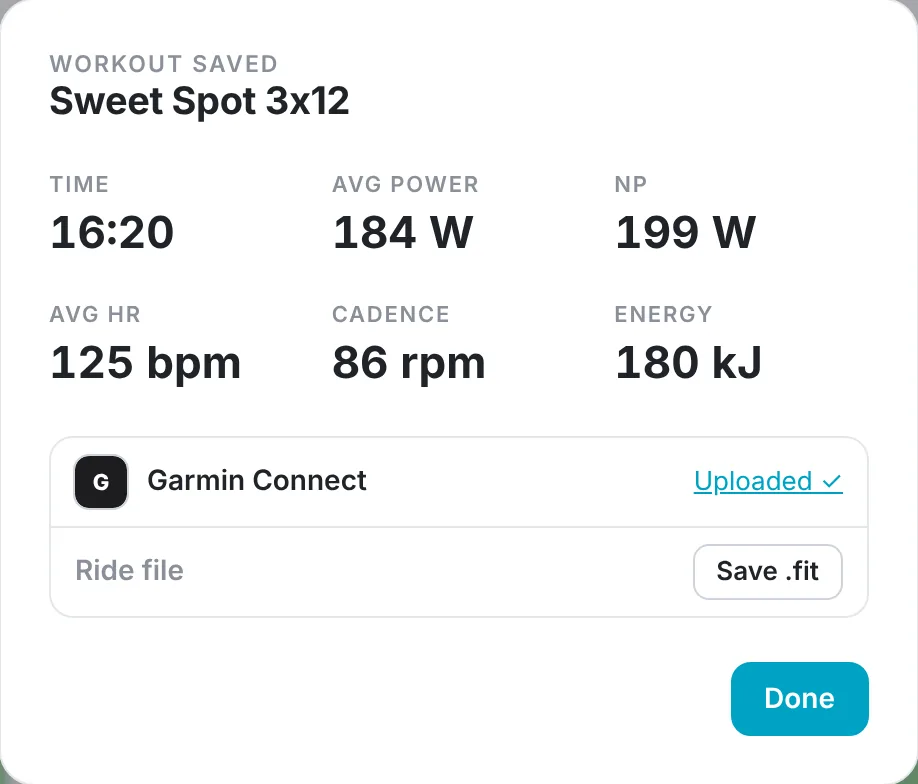
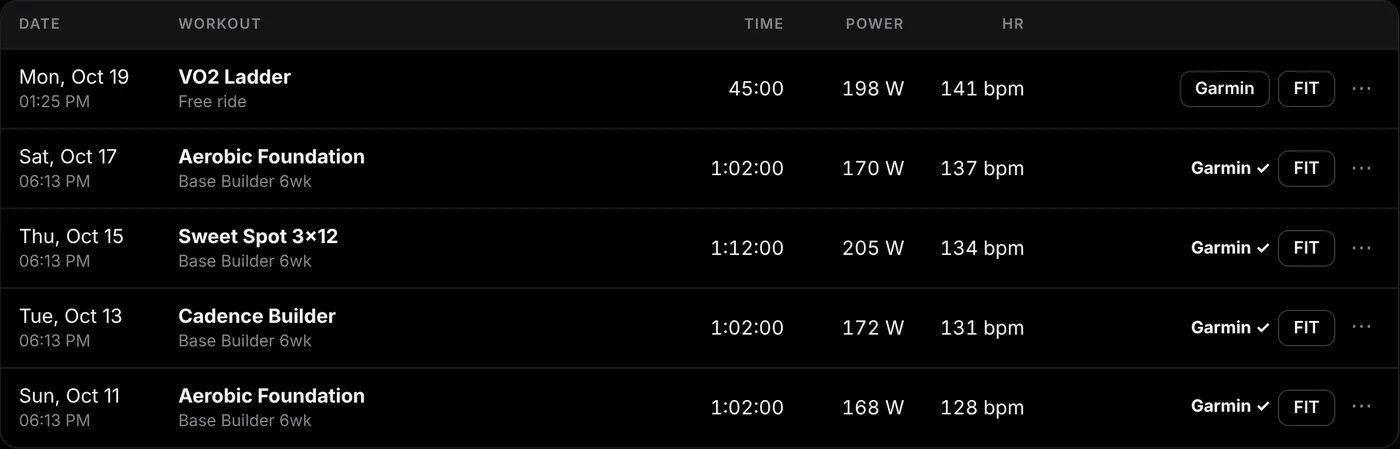
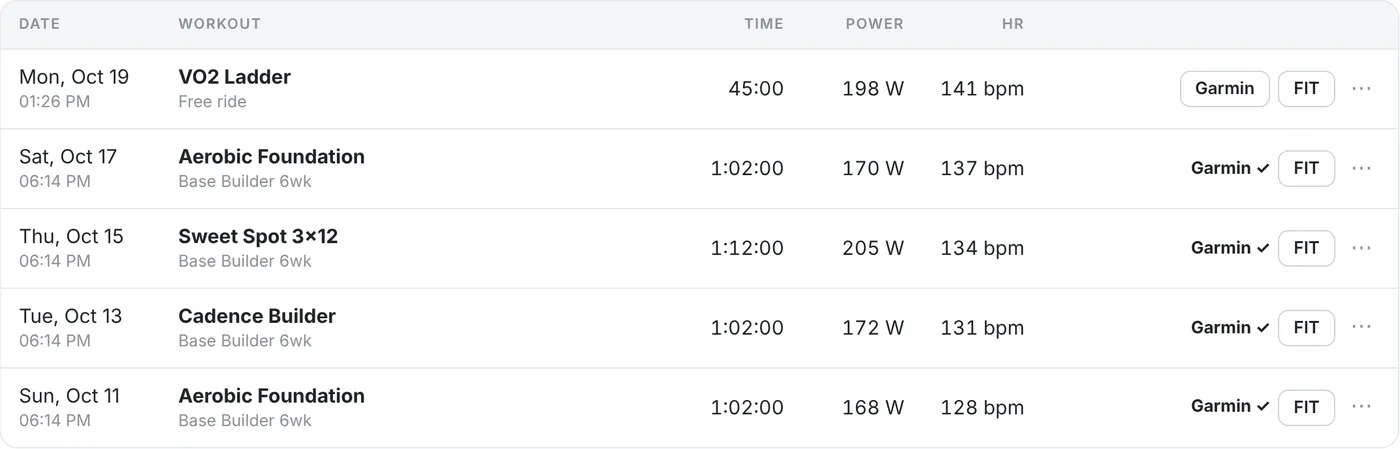
Each ride is saved as a FIT file. Uploads run automatically or with one click, and the ride history shows where each ride went.
Garmin Connect
Sign in on Garmin's own page (MFA supported). Rides are named after the workout, and Garmin calculates Training Effect and VO2max.
Strava
Link Strava to your Garmin account once, and uploaded rides continue to Strava.
Intervals.icu
Automatic uploads through the official API, using your API key.
COROS and FIT
COROS Training Hub only imports ZIP files, so zwoTrainer saves one for you. Any other platform can use the FIT file.
Like the app? Buy me a coffee.
zwoTrainer is free, has no ads and needs no account. If you use it for your training, a coffee helps me keep working on it.
Starring the repository or reporting a bug on GitHub helps too.