Download zwoTrainer.
Installers for macOS, Windows and Linux are attached to each GitHub release. The buttons below open the latest one.
macOS
- zwoTrainer_1.3.0_aarch64.dmg · Apple silicon
- zwoTrainer_1.3.0_x64.dmg · Intel
macOS 11 or later. On first launch, right-click the app and choose Open, then allow Bluetooth.
Download for macOSWindows
- zwoTrainer_1.3.0_x64-setup.exe
- zwoTrainer_1.3.0_x64_en-US.msi
If SmartScreen warns, choose More info → Run anyway. Turn Bluetooth on; no pairing needed.
Download for WindowsLinux
- zwoTrainer_1.3.0_amd64.deb
- zwoTrainer-1.3.0-1.x86_64.rpm
- zwoTrainer_1.3.0_amd64.AppImage
Requires BlueZ (bluetoothd). The .deb and .rpm packages install it as a dependency.
Download for LinuxzwoTrainer is developed and used on macOS. The Windows and Linux builds share the same code and are tested on every push, but have seen less real-world riding. Please report problems on GitHub.
From download to first ride.
Install and open
Allow the unsigned app once and grant Bluetooth access.
Choose your folder
Select the folder that contains your
.zwoworkouts and plans.Set up your rider
Enter name, FTP and weight, or ride an FTP test first.
Pair and ride
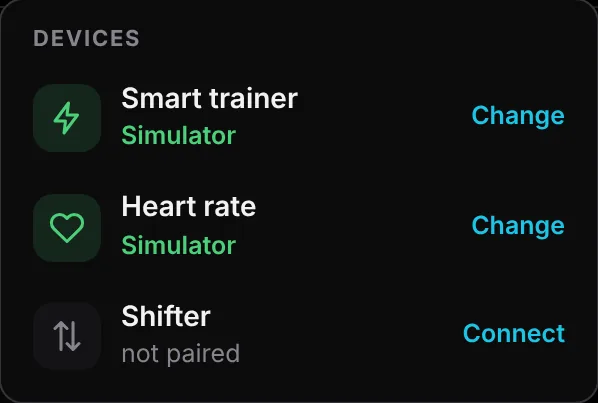
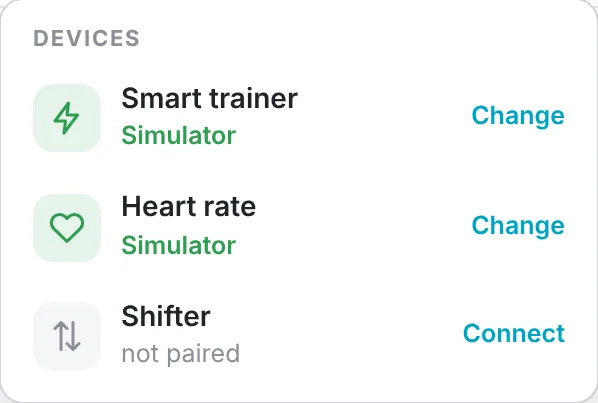
Connect trainer, heart-rate strap and controller from the Bluetooth menu, then start a workout.
Common questions.
Is zwoTrainer free?
Yes. There is no subscription, no account and no ads. The source code is on GitHub.
Where do I get workouts?
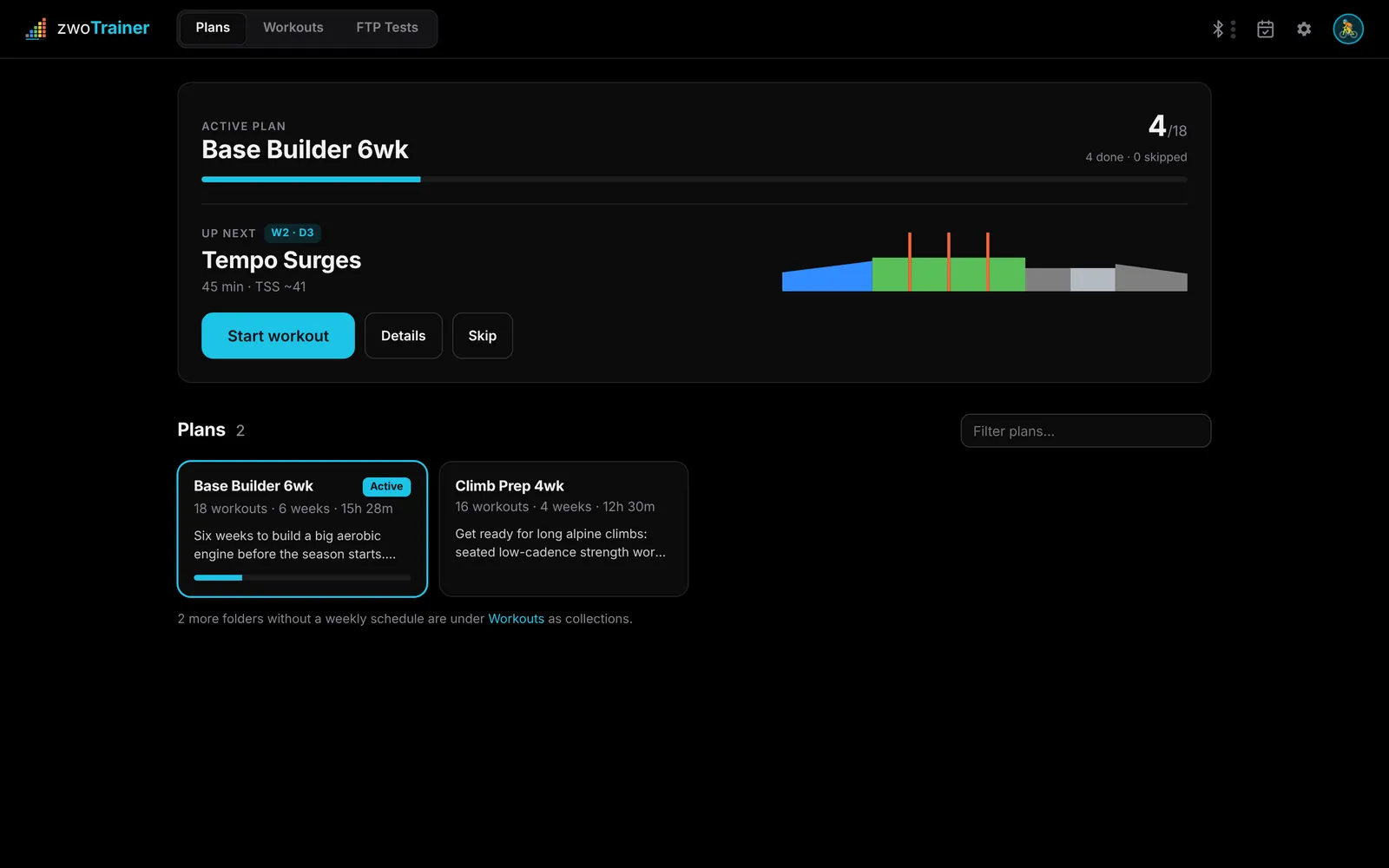
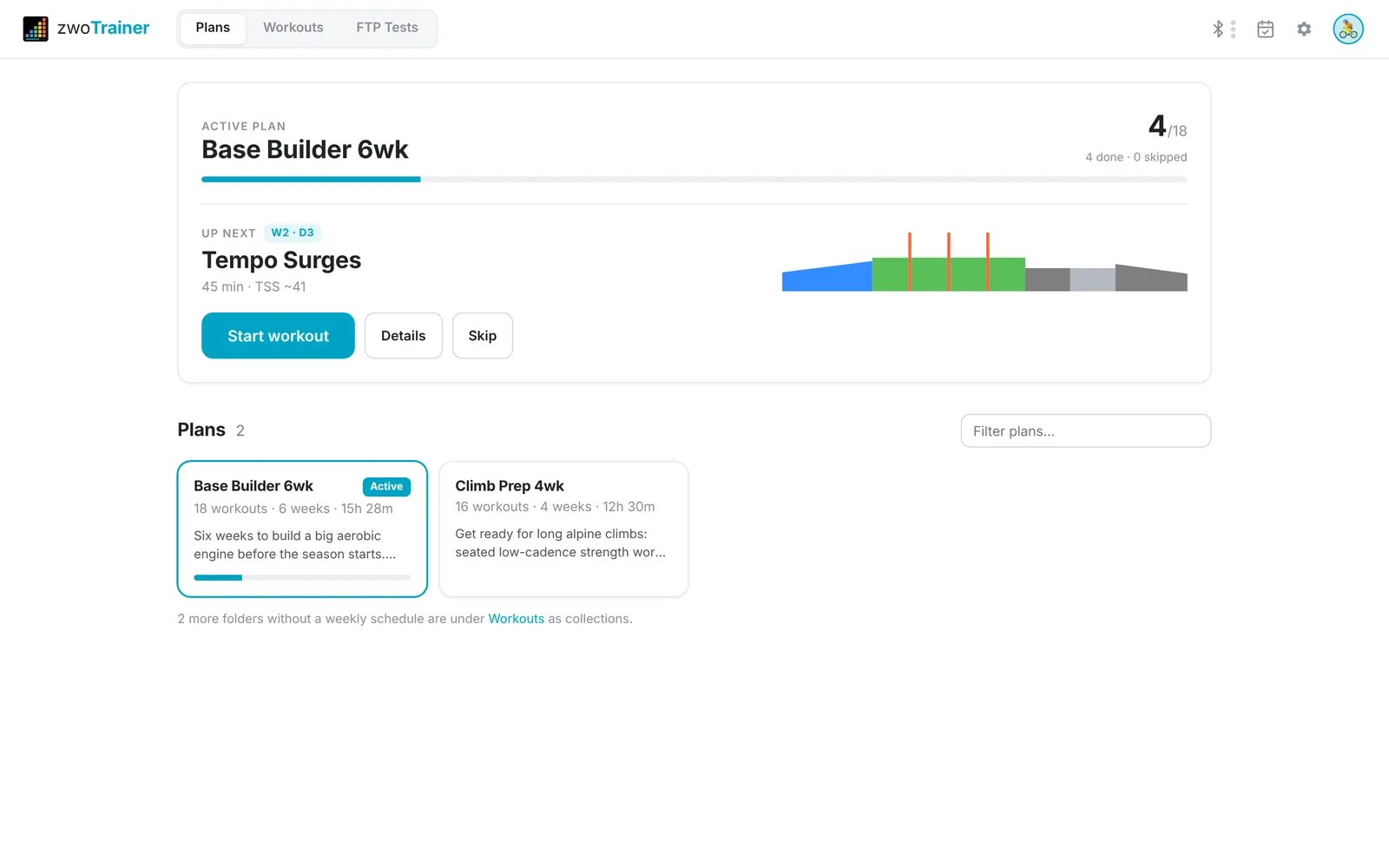
Any Zwift .zwo file works: exported from Zwift, downloaded from a workout site or written by a coach. To use workouts as a plan, put them in a folder and sort them by week and day.
Why does my system warn me when I open it?
The installers aren't signed with a paid developer certificate. On macOS, right-click the app and choose Open, or use System Settings → Privacy & Security → Open Anyway. On Windows, choose More info → Run anyway.
Which trainers work?
Any Bluetooth smart trainer with FTMS, for example Wahoo KICKR and KICKR Core, Zwift Hub, Tacx, Elite, Saris and JetBlack. Bluetooth power meters and heart-rate straps work too.
Can I run it at the same time as Zwift?
No. Most trainers and controllers accept only one Bluetooth connection, so close Zwift and other training apps first.
Do my rides reach Strava?
Yes, through Garmin Connect. Link Strava to your Garmin account once, and every uploaded ride is forwarded under the workout's name. The ride description doesn't reach Strava.
Does my Garmin password go through the app?
No. You sign in on Garmin's own page, and zwoTrainer stores only the resulting session token, per rider, on your computer.
To build zwoTrainer yourself, see the build instructions in the README.
Like the app? Buy me a coffee.
zwoTrainer is free, has no ads and needs no account. If you use it for your training, a coffee helps me keep working on it.
Starring the repository or reporting a bug on GitHub helps too.